
A multilingual bridge
How to Learn Chinese in Your Language with Pinyin and Audio
Use multilingual explanations, Chinese captions, pinyin, and pronunciation together without losing sight of the Chinese you want to learn.
Learning Chinese through a familiar language reduces the effort needed to understand instructions and meanings. It is especially helpful at the beginning, when every Chinese sentence contains several unknown elements. The risk is staying inside translation for too long and never building a direct connection to Chinese sound and writing.
A useful multilingual workflow keeps three layers visible: Chinese characters for recognition, pinyin for pronunciation support, and a familiar-language meaning for comprehension. Audio joins the first two layers and helps you gradually depend less on translation.
Give each layer a specific job
- Use your familiar language to understand the idea quickly, not to memorize a word-for-word substitute.
- Use Chinese characters to recognize the word in authentic text.
- Use pinyin to check initials, finals, and tones when the pronunciation is still new.
- Use audio to learn the actual rhythm and to test whether your pinyin reading is accurate.
- Return to the Chinese alone after meaning and pronunciation are clear.
One meaning can have several Chinese expressions
Translation is rarely a one-to-one code. English “know,” for example, may correspond to 知道 when you know a fact and 认识 when you know or recognize a person. The best expression depends on grammar and situation.
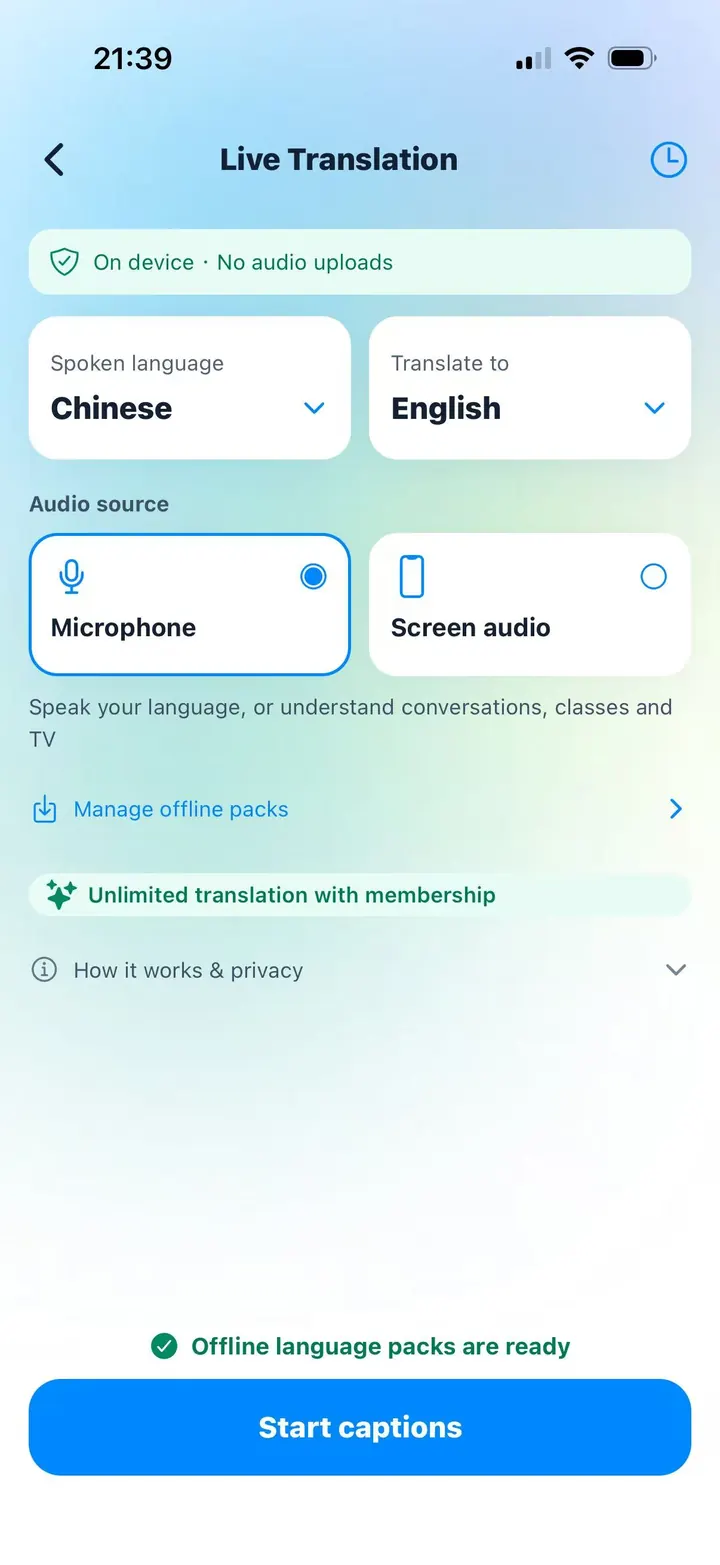
When Live Translation produces a useful Chinese line, notice the whole phrase rather than extracting every character as an independent dictionary entry. Save examples that show when the expression belongs.
Move from supported reading to independent listening
On the first pass, read the familiar-language meaning, pinyin, and Hanzi. On the second pass, hide or ignore the meaning and listen while following the Hanzi. On the third pass, listen without reading, then say the sentence from memory.
This gradual removal of support is more effective than forcing yourself to avoid translation completely. The important step is that support becomes lighter as the sentence becomes familiar.
Keep the interface language separate from the lesson
Chivoc’s interface can be used in multiple languages, while Live Translation has its own spoken and target language settings. Changing the language for a translation session does not need to change the language of the entire app.
Language availability for offline recognition and translation depends on the device and operating system. Downloaded resources also take storage, so prepare only the languages you actually use and manage them from the app’s download and storage controls.